Getting Started with AI in Animation Production
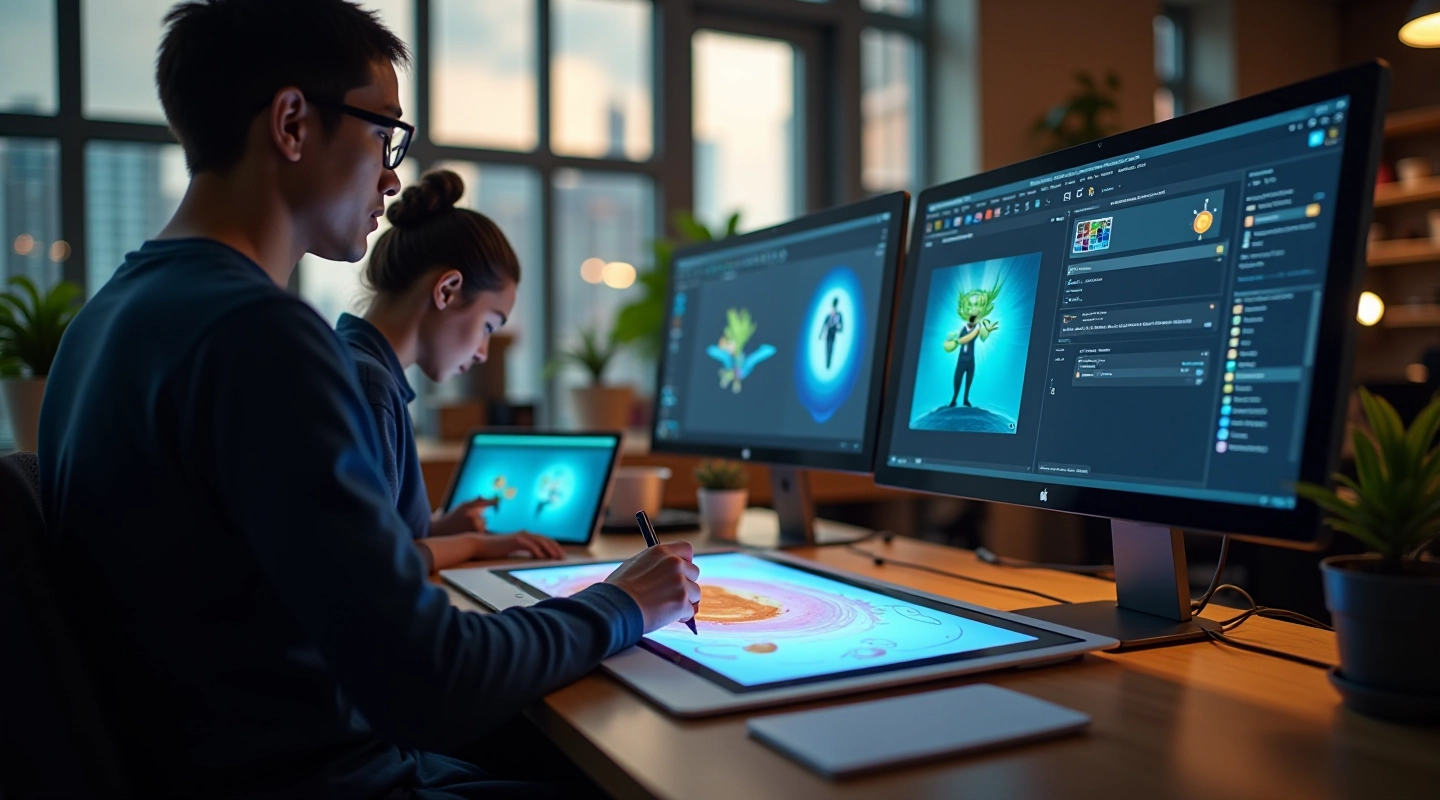
Learn how studios are integrating generative AI into existing workflows without replacing skilled artists. Covers tools, setup, and real implementation steps.
Read GuideAutomate content creation. Keep your studio’s unique style. Speed up production without replacing artists.
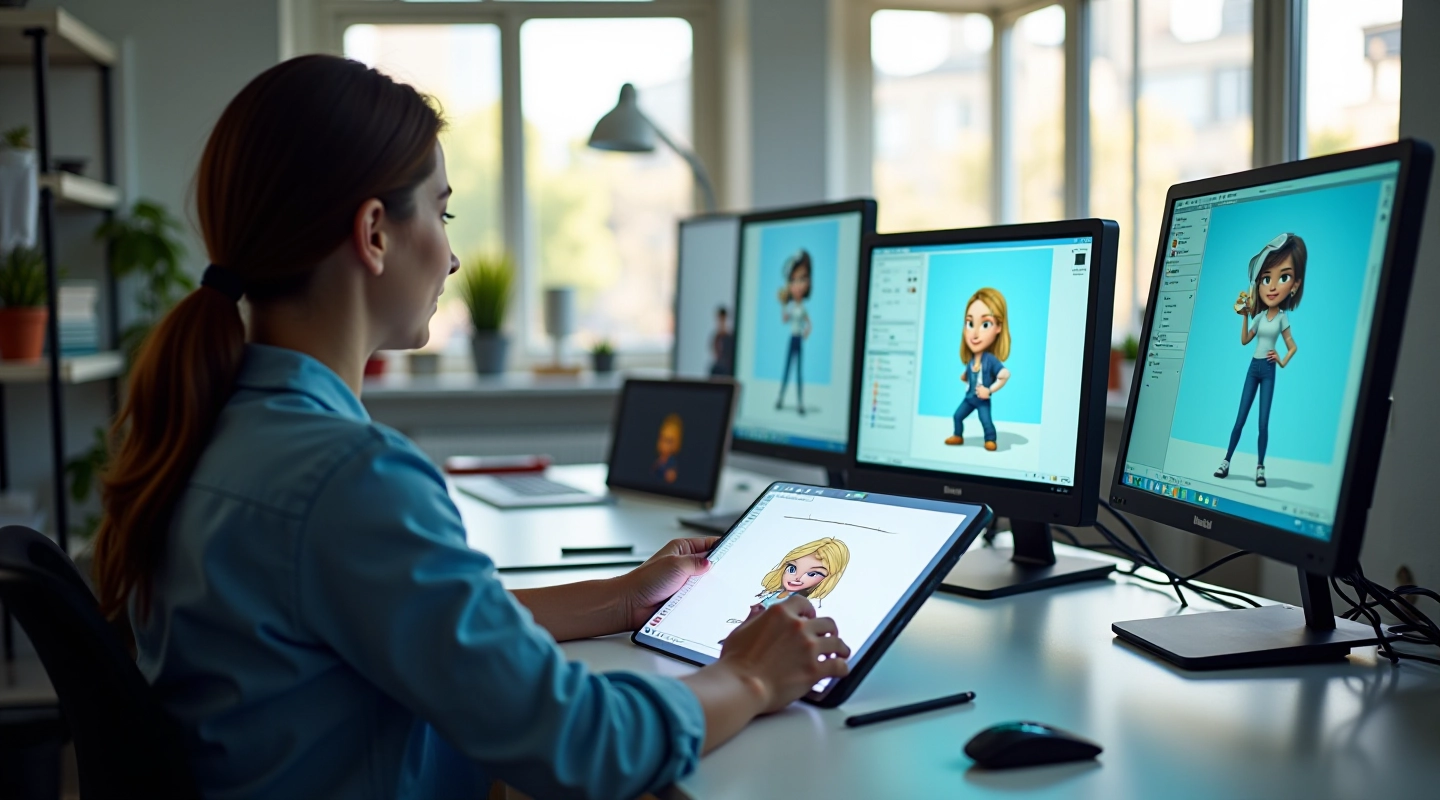
Tools built specifically for animation studios. Not generic AI platforms.
Train on your studio’s existing work. AI learns your color palette, character proportions, and visual language. Output stays true to your aesthetic.
Animators focus on complex scenes and direction. Repetitive backgrounds, in-between frames, and variations get generated. Your team handles the creative decisions.
Integrates with After Effects, Clip Studio Paint, and standard animation pipelines. No workflow disruption. Export straight to your current process.
Studios report 30-50% reduction in background creation time. Faster iteration on character design variations. More shots completed per production cycle.
Models train on your studio’s assets only. No data shared with third parties. Intellectual property remains completely under your control.
Dedicated team helps with setup, training, and optimization. We understand animation workflows. Not just software support — industry expertise.
The tools have matured. The economics work. The time is right.
Animation production costs keep rising. Timelines get tighter. Studios in Mumbai and across India are managing larger projects with limited budgets. That’s where generative AI changes the equation.
This isn’t about replacing your artists. We’ve worked with animation houses who tried generic AI tools and got disappointing results. The issue? Those tools weren’t designed for animation workflows. They don’t understand composition, movement, or the specific needs of frame-by-frame production.
Our approach is different. We train models on YOUR studio’s work. We integrate into your existing pipeline. We focus on the repetitive, time-consuming tasks that your artists don’t want to do anyway — background variations, in-between frames, texture fills, color consistency checks.
The result? Your best animators spend more time on what they’re actually good at. Creative direction, character performance, complex scenes. The AI handles the technical grunt work. Production accelerates. Quality stays high. Costs go down.
Models learn from your past work, maintaining brand consistency across every frame.
Works within existing software and pipelines. No retraining required for your team.
Artists review and refine AI output. Technology augments human creativity, not replaces it.
A straightforward process designed for animation studios
We review your current pipeline, asset library, and production bottlenecks. Understanding what takes time and where AI can help most.
Your studio’s artwork becomes the training foundation. We build custom models that understand your visual language and production standards.
Tools connect to your existing software. Your team learns the workflow through hands-on sessions. We handle technical setup and optimization.
You start generating assets. We provide ongoing support, refine outputs based on feedback, and optimize for your specific needs.
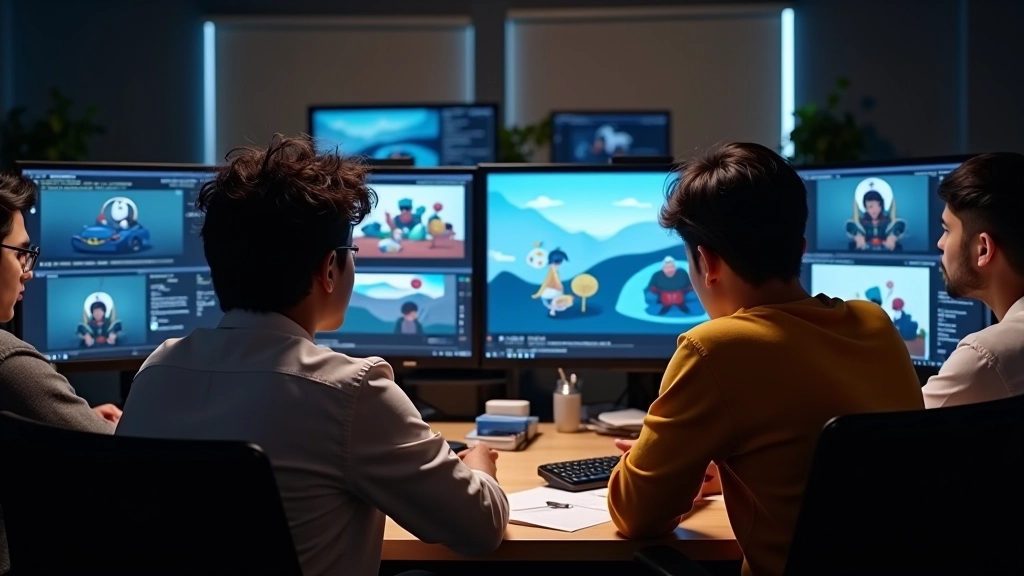
Learn how animation studios are implementing AI today
Learn how studios are integrating generative AI into existing workflows without replacing skilled artists. Covers tools, setup, and real implementation steps.
Read Guide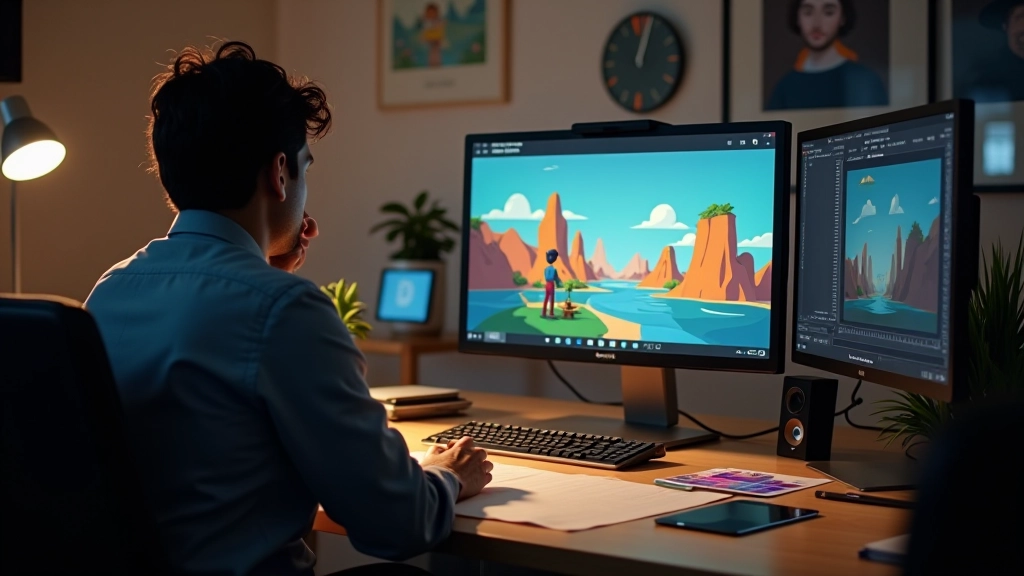
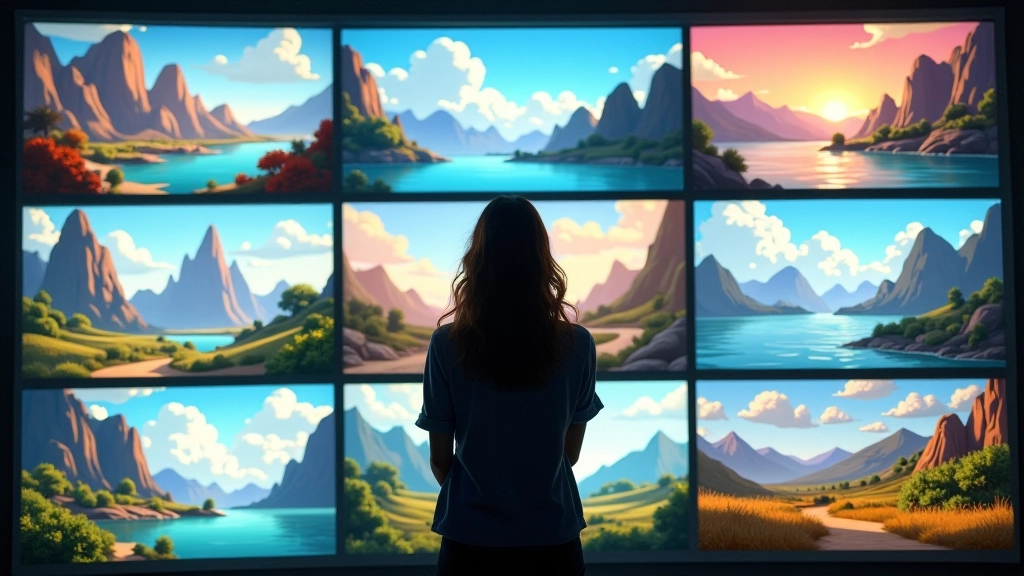
Reduce production time on background artwork. We’ve tested tools that maintain studio aesthetics while cutting creation hours significantly.
Read Guide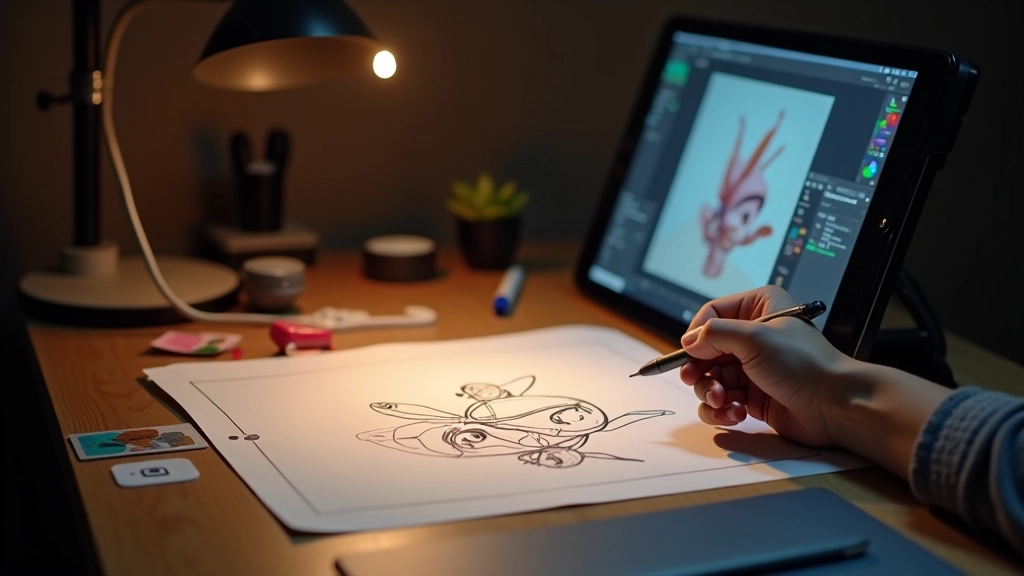
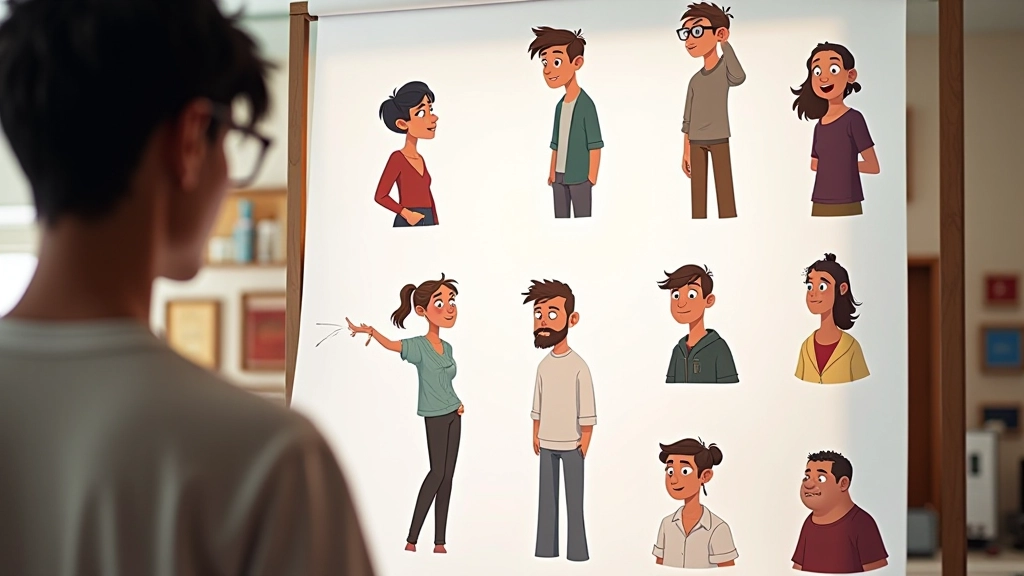
Speed up character development cycles. This guide walks through using AI for concept exploration while keeping your studio’s unique visual style intact.
Read GuideMore resources and case studies available in our full guide library
View All ResourcesWhat studios usually ask about AI in animation
No. We’re automating repetitive tasks like background variations, in-between frames, and texture fills. Your animators focus on character performance, direction, and complex scenes. Most studios that implement this see artists spending more time on creative work, not less.
Initial setup takes 2-4 weeks depending on your pipeline complexity. This includes model training on your existing work, integration with your software, and team training. After that, you’re generating assets immediately. Most studios see productivity gains within the first month.
Your data never leaves your infrastructure. Models train on your assets locally. You maintain complete control over all generated content. We don’t share, license, or use your work for anything outside your studio.
It depends on your workflow, but studios typically see 30-50% reduction in background creation time and faster iteration on character designs. Some report completing 20-30% more shots per production cycle. We’ll assess your specific bottlenecks during the initial consultation.
We integrate with After Effects, Clip Studio Paint, Blender, and standard animation pipelines. If you’re using something else, we can usually build a custom integration. The goal is zero workflow disruption.
Pricing depends on your studio size, project volume, and specific needs. We offer flexible options for independent studios and larger production houses. Contact us for a detailed quote based on your situation.
How animation studios are using these tools today
Let’s talk about your studio’s specific needs. We’ll assess where AI can help most and show you concrete examples from similar production houses.
We use cookies to improve your experience on this site. By continuing, you agree to our cookie policy.